
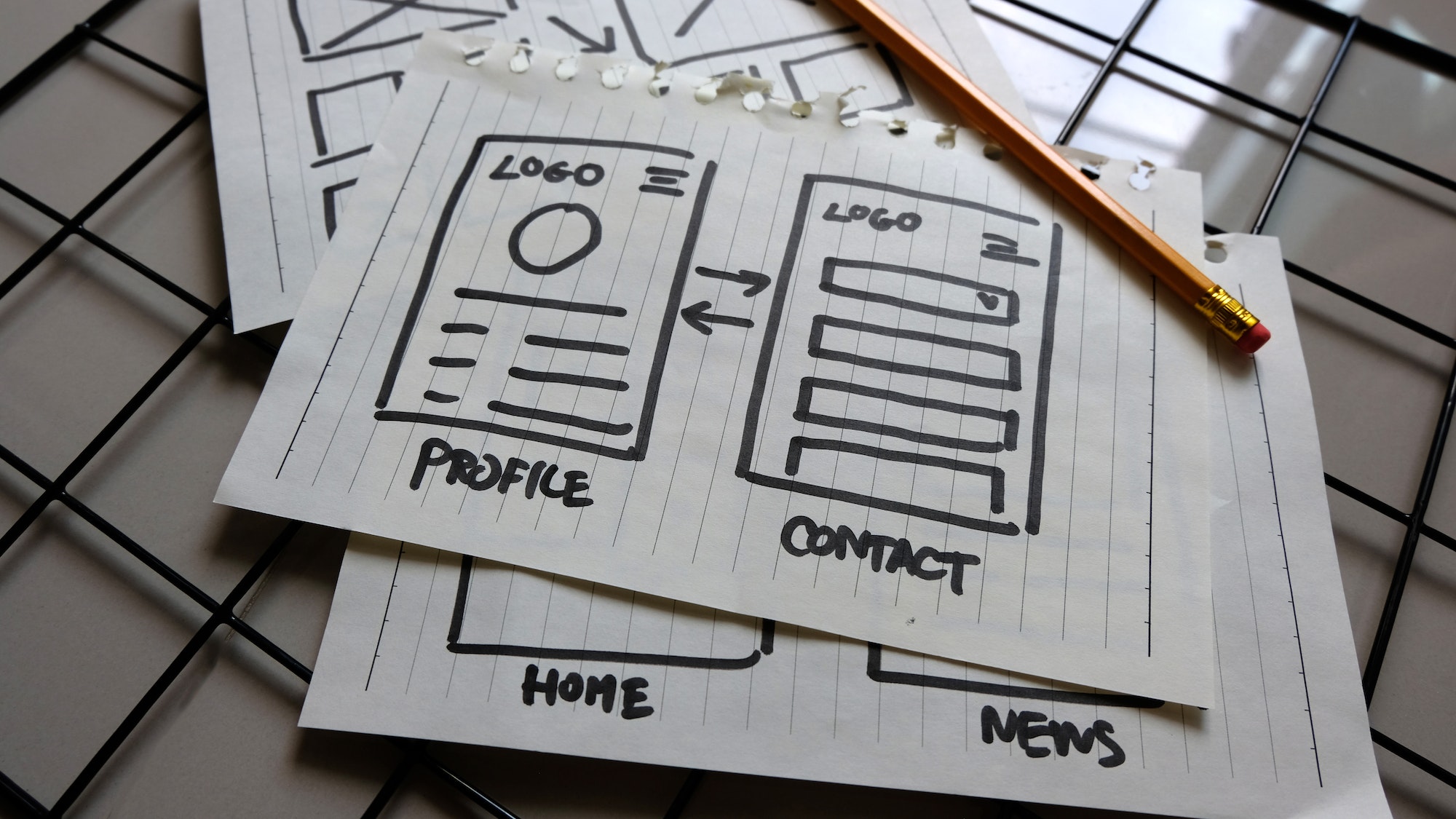
When creating a website, it’s natural to think of it in terms of plan-design-build-publish. But there’s an additional step that can increase the chance of your website being a success:
User testing.
What is user testing?
User testing is an activity that can be completed after you’ve developed your website, but before you go live. It’s a way of envisioning how your real visitors are likely to interact with your site. It allows you to anticipate any problems, and address them now so that they’re not an issue in the future.
During user testing, a tester will typically perform specific tasks that replicate the activities that your real users will be likely to carry out on your website. It’s an opportunity to see how people use your website, and to refine what you’ve built to provide better, more positive on-site experiences.
Why is user testing important?
If you’ve done your research, you’ll already have a good idea of who your audience is, and what they’re looking for. What that research won’t tell you, however, is how they’re going to interact with your website. That’s something that can only be uncovered through actual site usage.
The problem with planning, designing and building a website is that you’ve been involved in the process right from the very start. You know what that website is supposed to do, because you set the goal. You know what buttons you want your visitors to click, because you put them there. You know where you’ve put all your information, because you designed the wireframes and navigation. And so it’s difficult to view your website through the eyes of your clients. That’s where user testing comes in.
User testing can achieve 5 things:
- It confirms whether your users are able to navigate through your site as expected
- It provides useful insight into the behaviours and actions of your users
- It highlights any accessibility issues, such as contrast or font problems
- It outlines areas where there’s room for design and layout improvements
- It prevents your real users from encountering on-site issues that lower their trust
How to carry out user testing
The best way to carry out user testing is by creating scenarios. This helps your testers to get into the mind of a real user, and interact with the website in a way that mimics how a user is likely to engage.
For example, rather than asking a tester to ‘navigate to the security page’, you might set the scene for a real-life situation. You could say ‘your business has just experienced a security breach. Your data is safe, but you want to reduce the risk of experiencing another breach in the future. What do you do?’. This provides you with an opportunity to see how a real user in that situation would find their way from your homepage to specific products or services relating to cyber security and data protection.
Armed with this knowledge, you can make any last-minute adjustments to your navigation and design to build better on-site experiences, before you finally hit the button to go live!


